


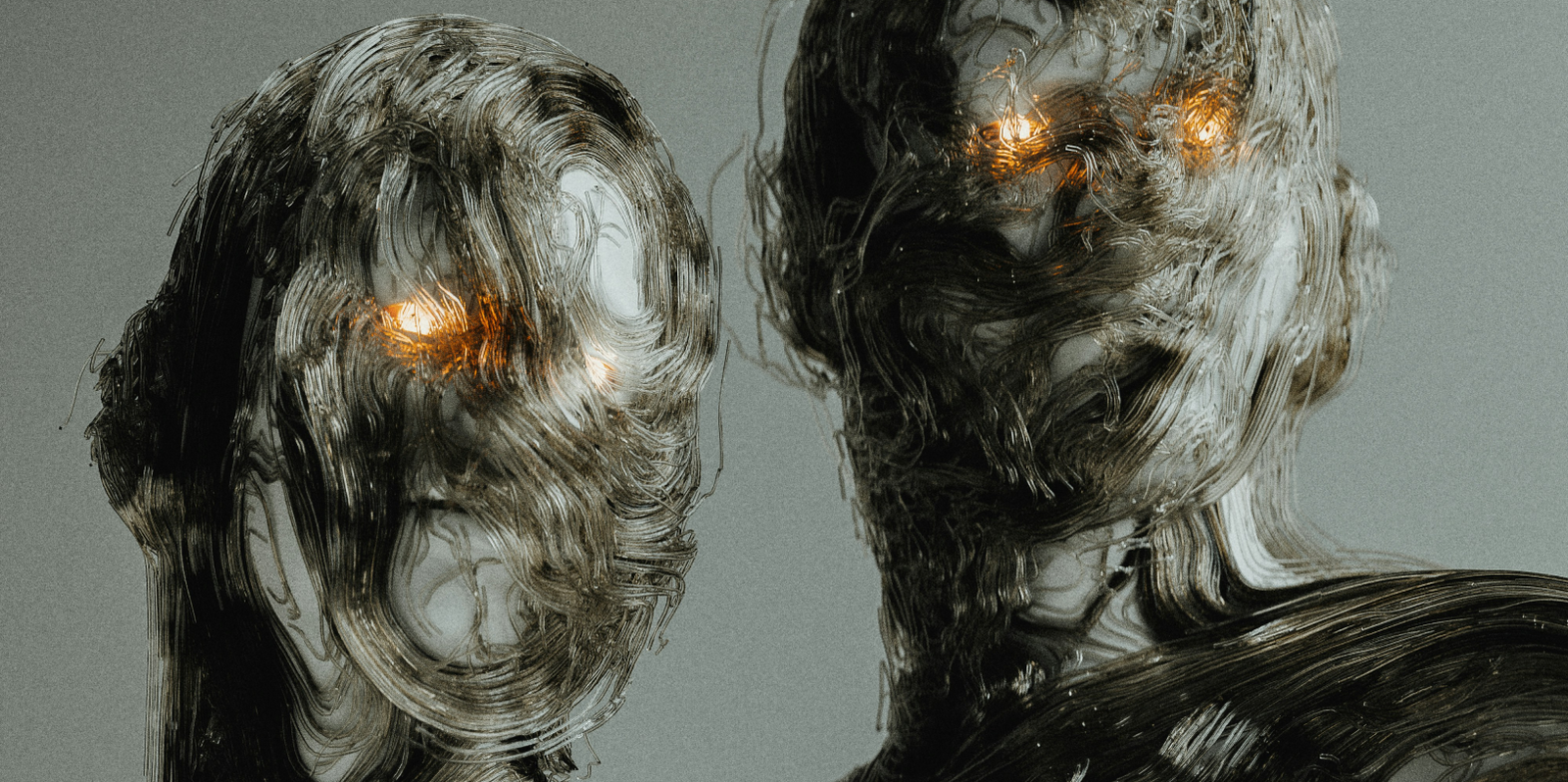
Modern generative AI platforms are marvels of technical capability, yet their user interfaces often resemble crowded control dashboards. Bright neon indicators, dense setting drawers, and persistent notifications bombard the senses, forcing creators to process visual clutter while trying to maintain creative focus. When interface complexity overpowers the workspace, users experience cognitive fatigue long before their creative session produces results.
True digital elegance is not about stripping away capability; it is about practicing intentional restraint. Rooted in the principles of calm technology, software should respect human attention by remaining ambient and unobtrusive until direct interaction is required. By replacing overwhelming control panels with soft monochrome palettes, warm neutral backdrops, and generous structural breathing room, a companion utility transforms from an intrusive obstacle into a serene workspace extension.
“A great interface never competes with the creator’s vision. When we design with soft contrast, gentle visual rhythms, and minimal lines, the tool steps back into the periphery, allowing human creativity to occupy center stage.”
– QuaviLab UI & Product Design Team
A central element of calm design is the deliberate reduction of visual noise through micro-feedback. In high-volume prompt automation, flashing alerts and complex percentages create subconscious urgency. Instead, elegant interfaces communicate status through rhythmic, low-contrast progress dots that gently illuminate as assets render. This provides immediate peripheral awareness, letting creators verify execution state at a glance without being pulled out of their broader creative momentum.
Complementing this visual rhythm is a cohesive, warm design language that comforts the eyes during long sessions. Harsh, saturated colors and heavy gradients create glare that strains the eyes over time. Prioritizing soft amber accents, clean typography, and tactile rounded containers creates an approachable aesthetic that feels like a quiet sketchbook rather than a noisy developer console, making every interaction feel natural and grounded.

Restraint also shapes how companion utilities integrate within browser workspaces. Instead of launching floating windows that obscure the generation canvas, an elegant tool integrates smoothly into a native side panel. This maintains clear functional separation: the generative platform remains open and clean on the left, while your automation queue quietly handles mechanical input along the right, preserving visual balance across the entire display.
Designing thoughtful software requires treating simplicity as an active commitment to user well-being. When an interface eliminates distraction, prioritizes glanceable cues, and brings aesthetic harmony to complex AI routines, it elevates the entire creative process. True software craftsmanship will always be defined by calm utility – empowering people to do their best work in an environment of total mental clarity.



Comments are closed